


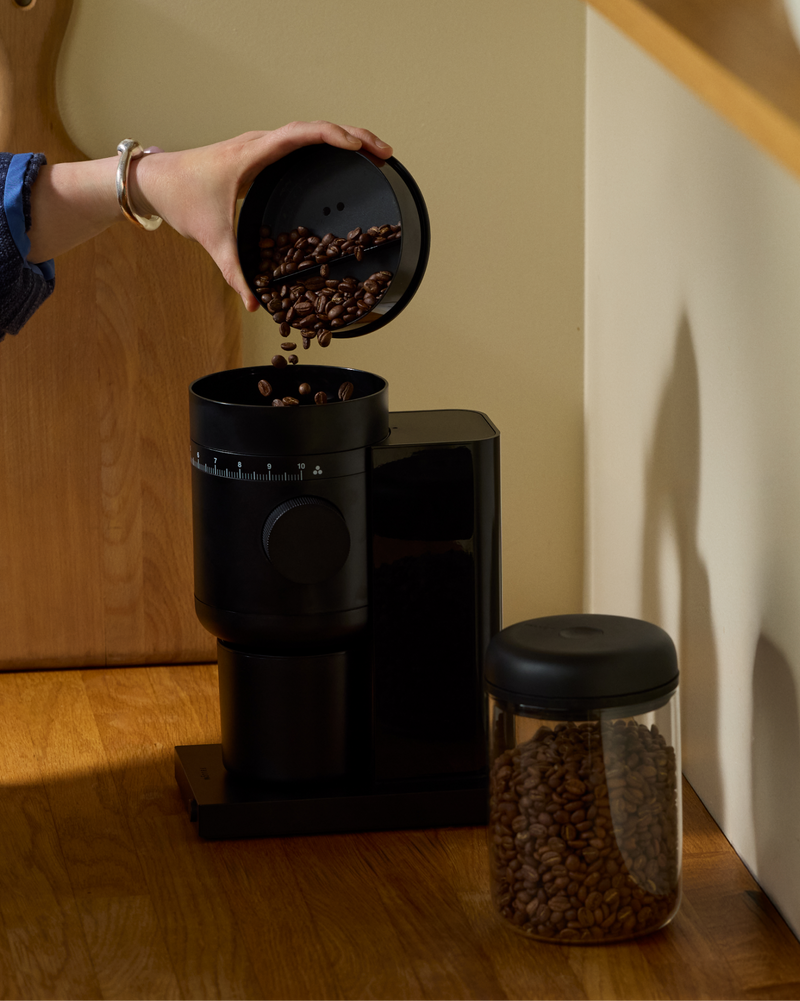


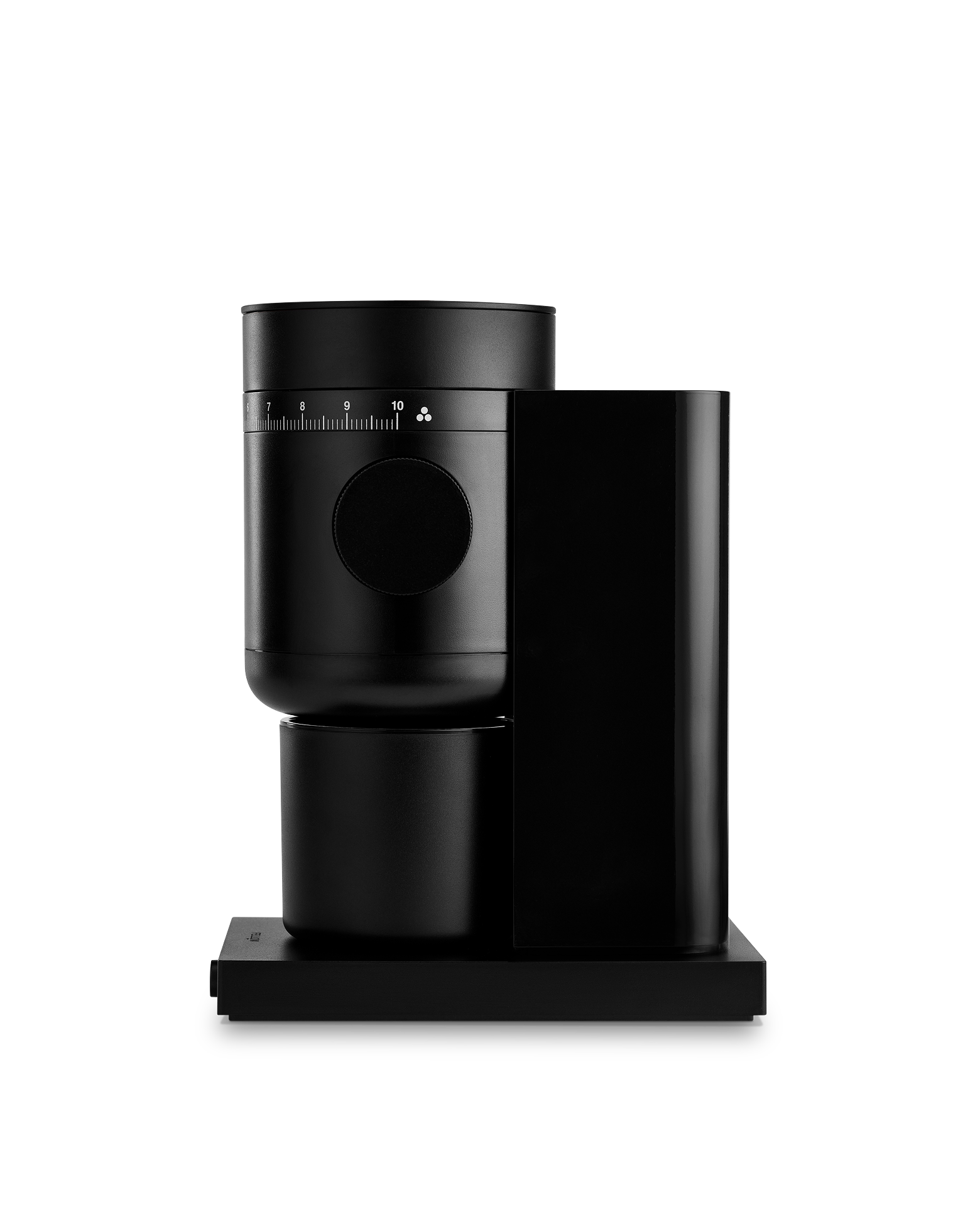

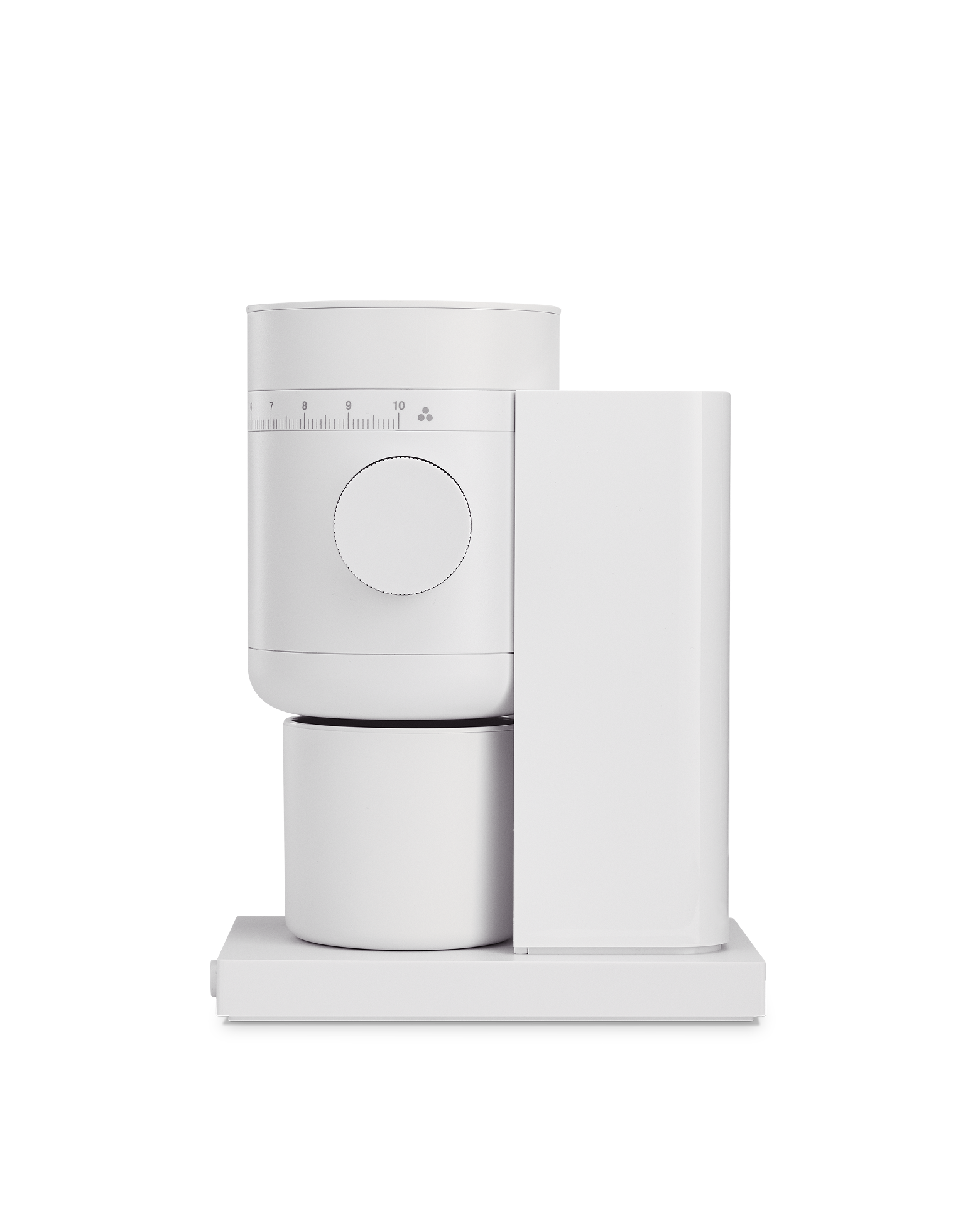

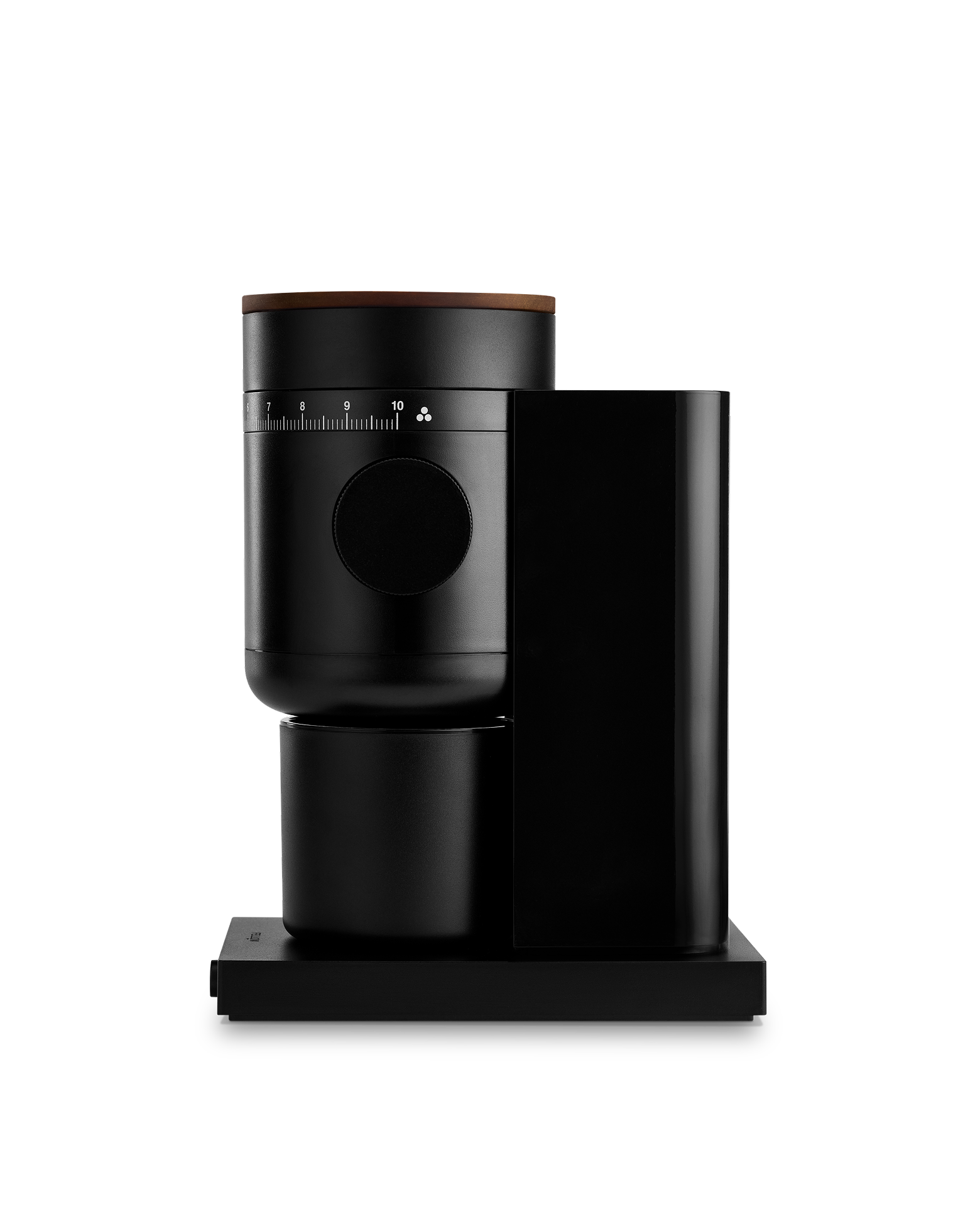

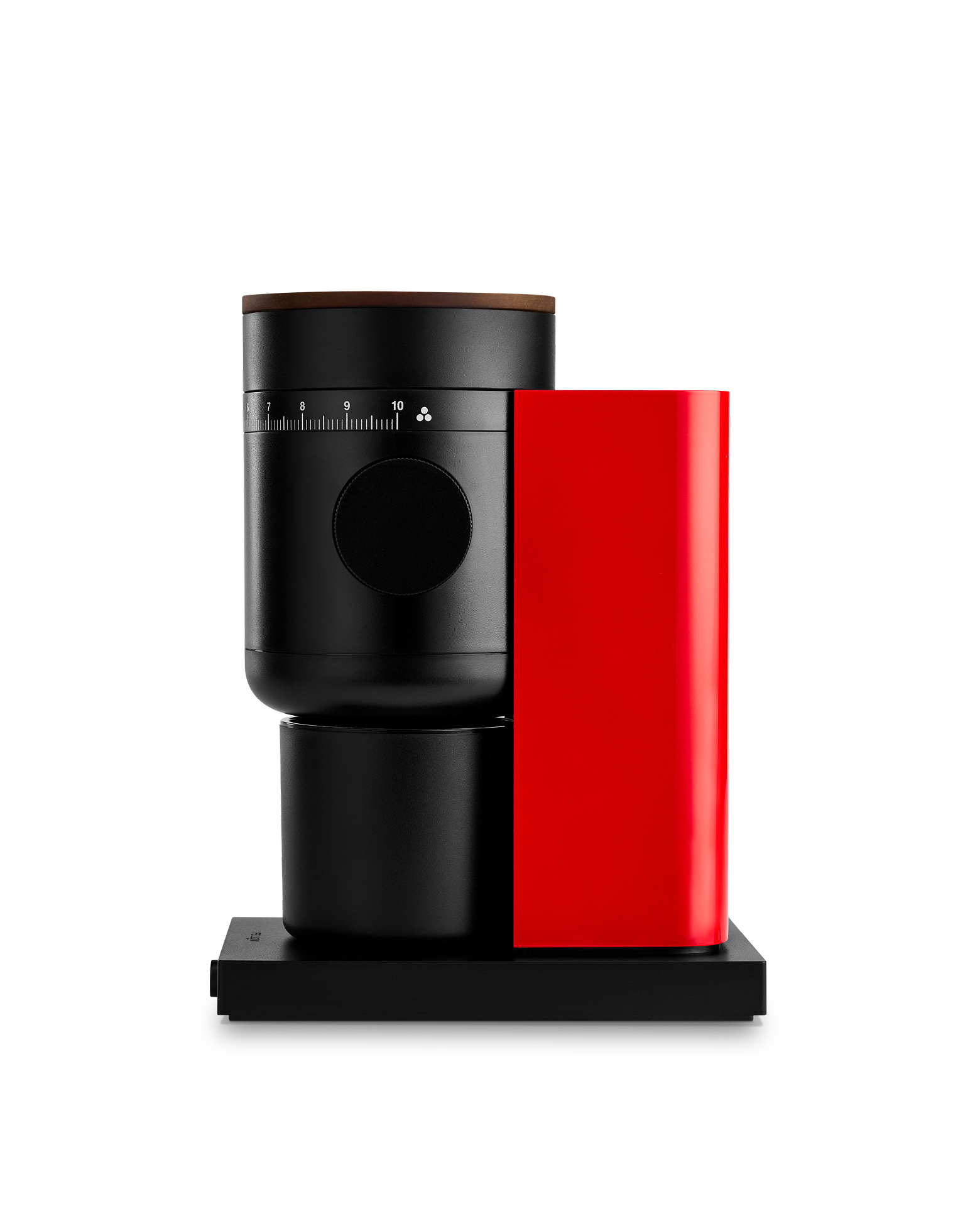

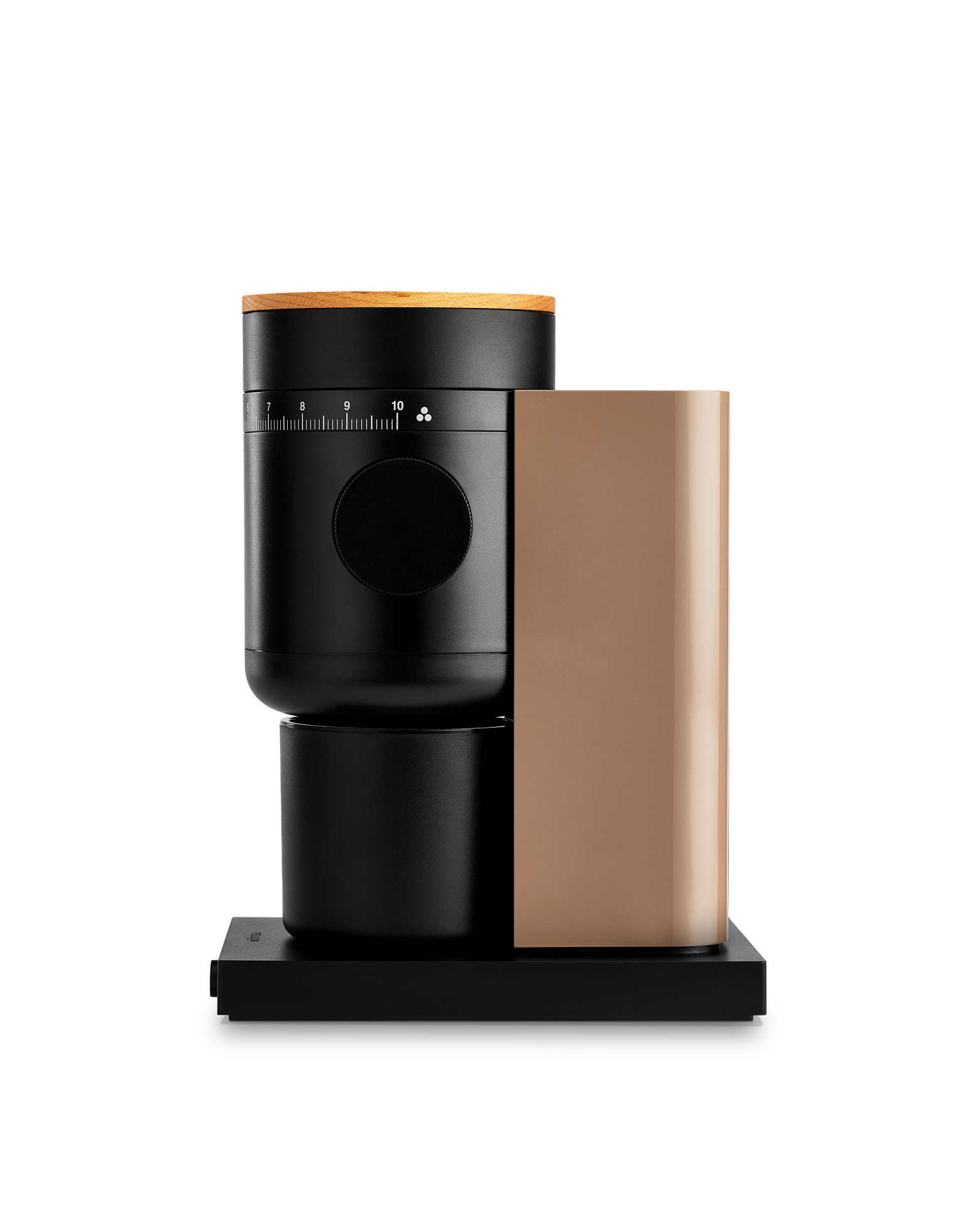

Opus 2 Conical Burr Grinder
Perfect for espresso, Opus 2 is a precision electric coffee grinder for every method. It moves seamlessly between brew methods to deliver consistent grind results across the full range. 48 mm conical burrs and a smooth side dial give you the control to fine-tune your coffee with intention, whether you're dialing in espresso, brewing pour-over, or preparing cold brew.
Highlights:
- Full spectrum grind range
- 48 mm conical burrs
- Stepless adjustment dial
- Near-zero grind retention
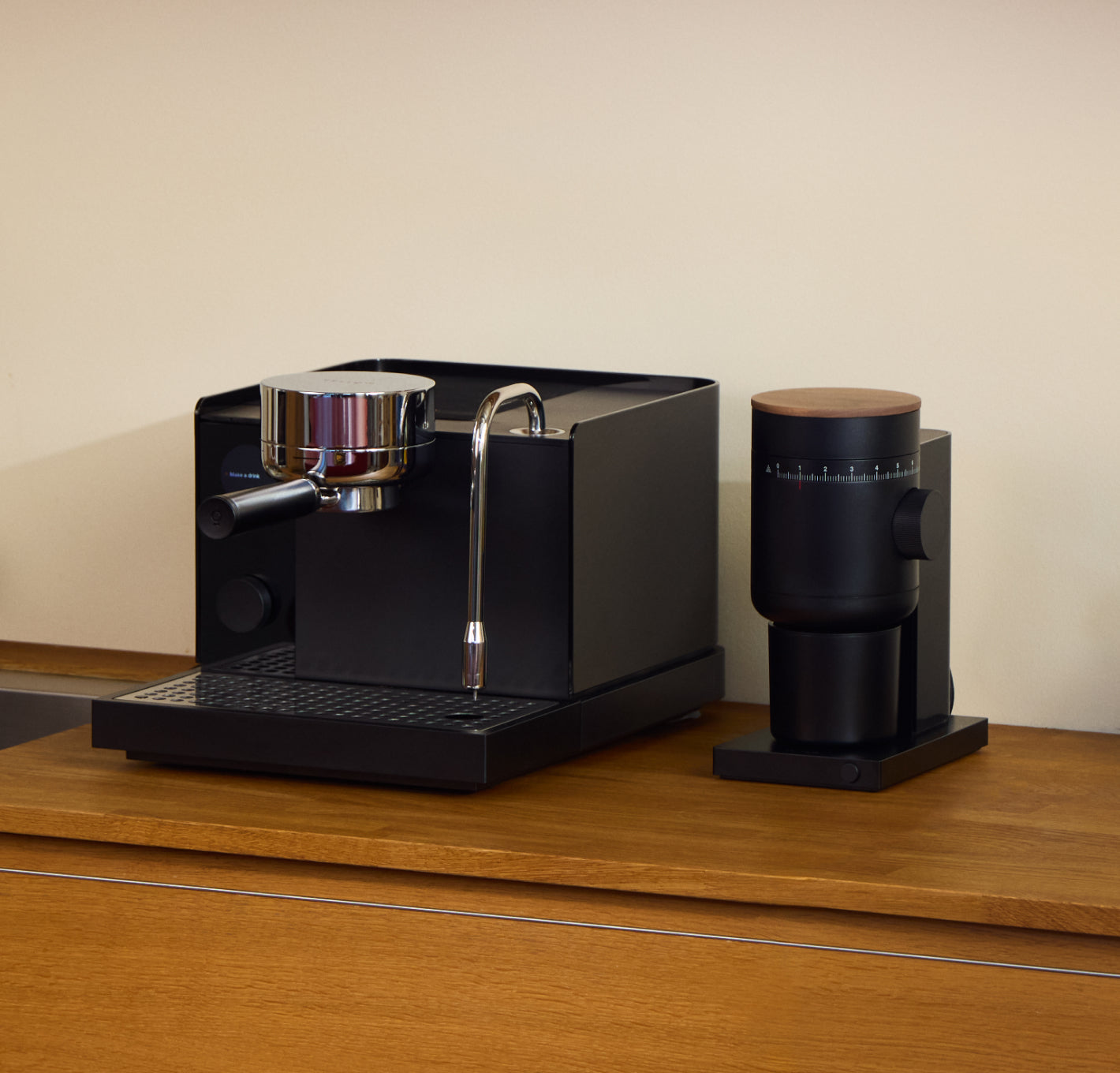
Pair with the Fellow Series 1 (featured below).
$199.95 - $249.95

Customizable Settings
Adjust pressure, temperature, and flow during pre-infusion, infusion, and ramp down. Adjust steaming temperature or choose from pre-set options for different milk types. Adjust water temperature and volume of hot water. Add profiles from your favorite roasters! (hey, that's us!)
Water Tank
2 L capacity, minimum fill level-sensing, and easily removable with handle.
Commercial-style Group
Group head with brass core, internal heating element, and water dispersion block for even flow through your puck, creating better extraction and consistency.
Powerful Steaming
Stainless steel and easily rotatable, with temperature-sensing tip, auto-stops at target temperature (customizable to different drinks), and auto-purges after use. Removable tip for deep cleaning.
Short Cut Buttons
Quickly brew, steam or pour hot water
Easy Controls
Scan through and select settings with this dial or adjust them in the accompanying app!
Drip Tray
With max fill indicator, integrated baffles for splash reduction, and easily removable for cleaning.
Making Espresso
Basic Steps Fellow Series 1
Quick Guide:
- Dry the portafilter basket, weigh portafilter, dose the amount of coffee desired. (A great starting point is 18g!)
- Evenly distribute coffee in the bed
- Tamp
- Clean off the arms and neck of the portafilter
- Insert
- Press the Espresso 'piano key' or choose a profile to follow using the app or control dial.
If you're just starting out: try the preloaded Light, Medium, or Dark profiles!
Troubleshooting Brew Time
When you *can't* adjust the grind
If You're Just a Little Short of Your Target Shot Time, Increase Your Dose Size
This can nudge your shot time up slightly. Keep in mind that too much extra in the basket necessitates even more extraction and you may need to adjust your brew yield (liquid output) to keep the strength ratio the same.
If You're Far Off From Your Target Shot Time, Use the Double-Walled Basket
A double-wall basket restricts the flow so the machine can still generate the pressure needed when the puck itself can't.
Consider Getting a Grinder Made for Espresso
A capable grinder is just as important as the espresso machine for great results. Being able to make small, repeatable grind adjustments and use a single-wall basket will noticeably improve your shot consistency and overall flavor.
Troubleshooting Flavor
When you *can* adjust the grind
When the Brew Yield is where you want it
Say you're working with an 18g dose and a 36g yield, but the flavor is still off.
- Tasting sour with a shot time below 25 seconds? Try grinding finer
- Tasting ashy with a shot time above 30 seconds? Try grinding coarser
- Coffee not complex enough but tasting fairly balanced? Try lowering your profile's temperature just slightly.
- Tasting sour with a shot time over 30 seconds and you know you have a super dense coffee? Try using a profile with a preinfusion step.
- Coffee body is oily and too intense with some slight sourness? Consider raising the brew yield slightly. It doesn't have to be a 1:2 ratio.
Troubleshooting Brew Yield
Right Time, Wrong Volume
Calibration Steps
Step 1: Turn Auto Stop OFF
- Go to Settings → Customization → Brew → Brew Stop in the main menu
- Set to Off
Now the machine won't stop automatically—you'll stop it manually.
Step 2: Pull one "perfect" shot using a scale
- Prepare your shot as usual
- Put a scale under the cup and tare it
- Start the shot
- Manually stop it when you reach your target weight
Example profiles:
- Fellow Medium Roast: 18 grams in → 36 grams out (most common, and the default profile on your Series 1)
- Fellow Light Roast: 18 grams in → 45 grams out
- Fellow Dark Roast: 18 grams in → 27 grams out
Adjust your grind if needed so the shot time is normal (about 25–40 seconds).
Step 3: Turn Auto Stop back ON (Volume)
- Return to Settings → Customization → Auto Stop in the main menu
- Set to Volume
Step 4: Pull one automatic shot and weigh it
- Do not change anything
- Let the machine stop on its own
- Weigh the result
Write down the following:
- Your target weight (e.g., 36 g for medium roast)
- The actual weight you got
Step 5: Calculate the correction
Formula: Correction = Target − Actual
Examples:
- Target 36 g, got 33 g → correction +3 ml
- Target 36 g, got 39 g → correction −3 ml
Step 6: Enter the correction
- Go to Settings → Customization → Nerdy Settings → Scroll to VOLUMETRIC OFFSETS
- You will need to add your number to what is already set out of the box. Series 1 defaults are:1st offset default = 48, 2nd offset default = 44, Nth offset default = 44
- So for example, if your result is 18, your new offsets would be:1st offset default = 66, 2nd offset default = 62, Nth offset default = 62
Step 7: Test again
Pull another shot and weigh it. If it’s still slightly off, repeat with a smaller adjustment.